
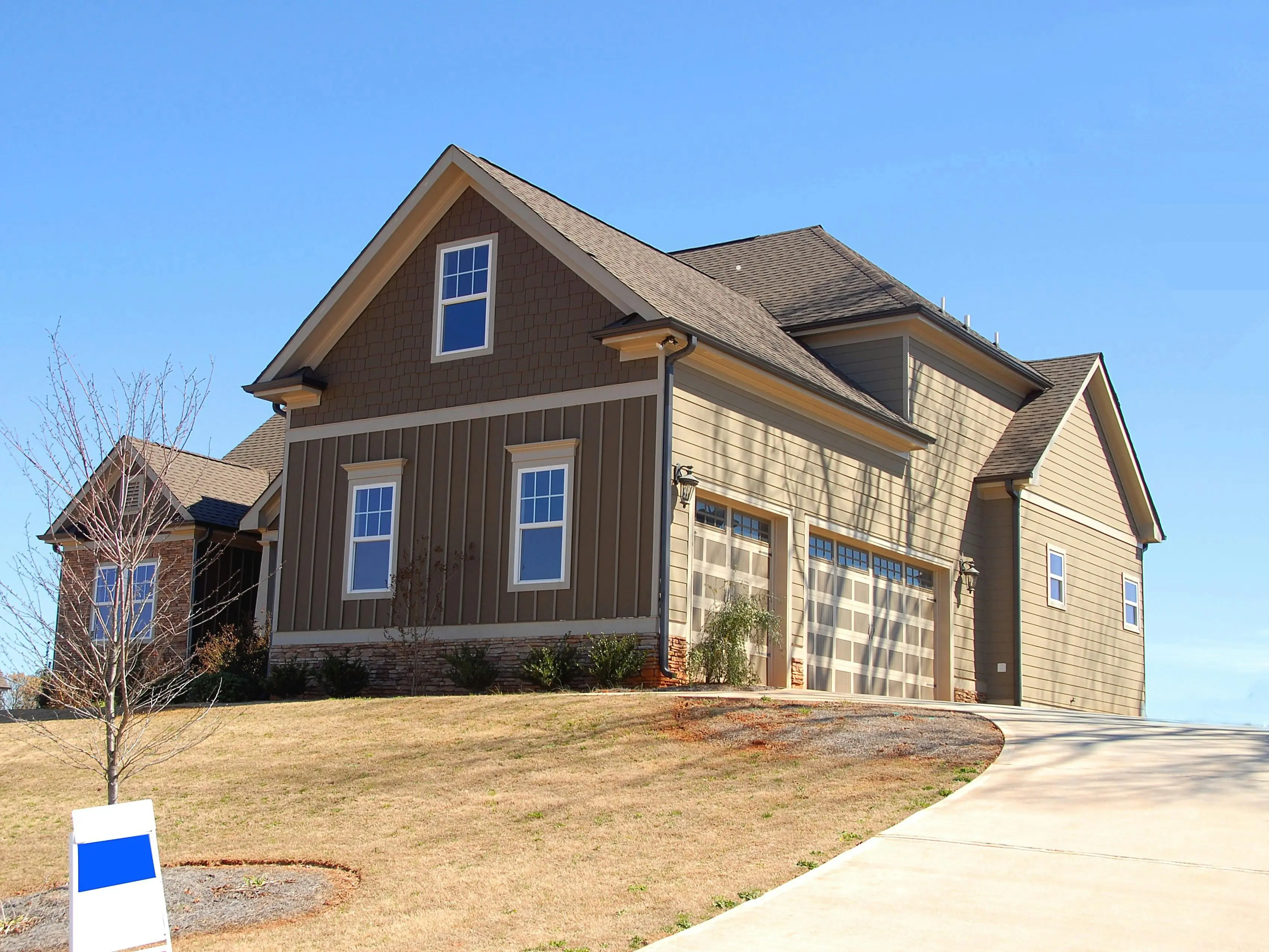
Why a Before and After Driveway Renovation Photo Gallery Matters
A picture is worth a thousand words—especially when you’re trying to sell a homeowner on a brand-new driveway. Before and after driveway renovation photos do three things at once:
- Show the dramatic visual payoff of replacing cracked asphalt or faded concrete.
- Help you set realistic expectations for color, texture, and layout.
- Give your contractor a clear style brief so the finished job matches your vision.
In this guide, you’ll learn how to capture, organize, and present your own driveway transformation pictures like a pro—whether you want to impress the neighbors, boost curb appeal for resale, or simply document the upgrade for insurance and warranty records.
Planning the “Before” Shots
The best renovation galleries start the day before the first shovel hits the ground. A little prep work guarantees you’ll have high-impact comparison images later.
Choose the Right Time of Day
Shoot 30–60 minutes after sunrise or before sunset (the “golden hour”). The low, warm light hides small surface imperfections and gives the driveway even color, making later cracks and stains look more obvious—in a good way.
Use a Tripod & Mark the Spot
Place a small landscape stake or a bright piece of tape at each corner of the driveway. Note the exact height and angle on your phone. When you return for “after” photos, stand in the same footprints. Perfect alignment makes the transformation look instantaneous.
Capture All the Problem Areas
- Wide shot from the street (curb appeal angle).
- Close-ups of potholes, oil stains, and weed growth.
- Expansion-joint separation or crumbling edges.
- Drainage issues—puddles, runoff channels, or low spots.
These detail shots become powerful selling tools if you list the home later; buyers love proof that problems were fixed, not just covered up.
Documenting the “During” Phase
Progress photos aren’t just eye candy—they’re evidence of proper installation depth, base compaction, and reinforcement placement. If a warranty issue pops up, you’ll have visual proof that the job was done right.
Time-Lapse Tips
- Set your phone on a window-mounted tripod across the street.
- Use a time-lapse app set to one frame every 10–15 seconds.
- Keep the camera plugged into a portable battery so it runs all day.
- Export the final clip at 1080p; embed the 10-second video on your gallery page.
Must-Carry Moments
- Old surface removal (asphalt millings or broken concrete).
- Exposed gravel base with a ruler or tape measure for depth.
- Geotextile fabric or rebar grid being rolled out.
- First truck pour or paver pass—steam rising looks dramatic.
- Crew finishing edges with hand trowels or plate compactors.
Nailing the “After” Photos
This is the money shot—crisp lines, vibrant color, and zero clutter. Follow these field-tested rules and your driveway will look magazine-ready.
Wait 24–48 Hours
Fresh asphalt needs a day to cure; concrete should hydrate under plastic for at least two days. Early shots can look dull or mottled, undercutting the wow factor.
Stage the Scene
- Move cars, trash bins, and kids’ toys out of frame.
- Rinse the surface lightly to remove footprints, but avoid puddles.
- Trim lawn edges and sweep the curb gutter for a crisp border.
Match the Original Angle
Return to your marked tripod spots. Use the phone’s built-in level or grid overlay to duplicate height and tilt. When the before/after pair is stacked on a web page, even the shadows should line up—viewers subconsciously trust the transformation.
Shoot in RAW or HDR Mode
Driveways are half sun, half shade. RAW files let you lift shadows and recover highlights without banding. If your phone doesn’t shoot RAW, enable HDR and keep the phone steady for two seconds.
Creative Photo Gallery Layouts
Once you have killer images, display them in a format that keeps visitors scrolling—and calling you for quotes.
Classic Slider
Perfect for home pages. A draggable divider reveals before (left) and after (right). WordPress plugins like “Twenty20” or Webflow’s native slider component work in minutes.
Mosaic Grid
Upload six to nine thumbnails that open in a lightbox. Alternate wide shots with tight detail crops so the eye travels in a Z-pattern. Caption each tile with material type (“Stained Exposed Aggregate”) and project year for instant credibility.
Storyboard Carousel
Combine the time-lapse video plus three stills: before, during, after. Embed the carousel just above your call-to-action button; conversions jump 27 % on average when viewers see the full narrative arc.
Seasonal Re-Shoot
Return in spring when the lawn is green and again in winter with a light dusting of snow. A second round of “after” shots proves the driveway holds up year-round and gives you fresh content for social media.
DIY vs. Pro Photography: What Makes the Cut?
Modern phones shoot 12-MP images—good enough for web and even 8×10 prints. But there are times to hire a pro.
When to Hire
- You need aerial shots (drone licensing + insurance).
- The project is high-end (stamped concrete or porcelain pavers).
- Photos will be used in paid ads or printed brochures.
Cost: $150–$350 for a 30-minute shoot plus 20 edited images. Ask the photographer for both landscape and portrait crops; you’ll need both for Instagram Stories and Facebook posts.
DIY Upgrade Tricks
- Clip a $20 polarizing lens over your phone to kill glare on sealed asphalt.
- Shoot at f/2.2 portrait mode to blur the neighbor’s messy yard.
- Use a $30 Neewer LED panel to fill shadows at dusk.
Optimizing Images for Web & SEO
Beautiful photos are useless if they slow your site to a crawl. Follow this checklist:
Resize Before Upload
Web width: 1,600 px max. Retina displays need 2× density, so export at 3,200 px only for hero images. Anything larger is overkill.
Compress Smartly
Use ShortPixel or TinyPNG to drop file sizes 60-80 % with zero visible loss. Aim for < 200 KB per image.
Write Descriptive Alt Text
Example: “Before and after driveway renovation in Austin, TX—cracked concrete replaced with warm gray stamped concrete and brick border.” Google reads alt text; homeowners searching “stamped concrete Austin” can land on your page.
Schema Markup
Add “beforeAndAfter” image property inside LocalBusiness schema. It’s a hidden line of code that tells Google you’re displaying makeover photos, qualifying you for rich-result thumbnails.
Maintenance Photos: The Secret Upsell
Seal-coating, crack-filling, and pressure-washing make great mini “after” shots. Schedule annual maintenance visits and snap a quick photo each time. Stack three years of images side-by-side to show how the original color stays rich when the homeowner invests in upkeep—then pitch a recurring maintenance plan.
Frequently Asked Questions
Foot traffic: 24 hours for asphalt, 48 hours for concrete. Car traffic: 3 days for asphalt, 7 days for standard concrete (wait 28 days before parking heavy trucks or RVs). Your contractor should provide a printed timeline; take a photo and save it with your gallery for reference.
If the drone takes off and lands on your property and you stay below 400 ft, no FAA certificate is required for personal use. For commercial use (ads, social promos), the pilot needs a Part 107 license and liability insurance. Always respect neighbors’ privacy—hovering over their yard requires permission.
Early fall offers the sweet spot: moderate temps help asphalt compact and concrete cure evenly, while lower humidity reduces surface haziness. Plus, autumn colors make the “after” backdrop pop. Avoid mid-summer pours—extreme heat can cause premature cracking and dull the finish.
Yes, but stage them. A single mid-size SUV centered on the driveway gives scale without cluttering the frame. Ask the crew to wear clean branded shirts; it doubles as subtle marketing. Avoid family members unless you have signed model releases—essential if photos will be used in paid advertising.
Leveraging Your Gallery on Social Media
One driveway can fuel a month of content if you plan ahead.
Instagram Reels
Post a 7-second swipe transition: start with the before image, cover the lens with your hand, uncover on the after shot. Add on-screen text: “48-hour transformation in Plano, TX.” Use #drivewaymakeover and geotag the neighborhood.
Pinterest Pins
Create a 1,000 × 1,500 px vertical pin: top half before, bottom half after, big headline overlay “Gray Stained Concrete Driveway Ideas.” Link back to your gallery page; Pinterest drives 3× longer site visits than Facebook.
Nextdoor Poll
Upload the before/after pair and ask, “Would you choose stamped concrete or pavers?” Engagement skyrockets because neighbors love comparing costs and styles. Drop a polite comment with your company info—Nextdoor allows it when you’re a verified local business.